User guide overview
Welcome to the Open Mercato admin experience. This user guide introduces the primary screens your teams interact with day to day. Start here, then continue to specific topics like authentication, organizations, roles, and entities.
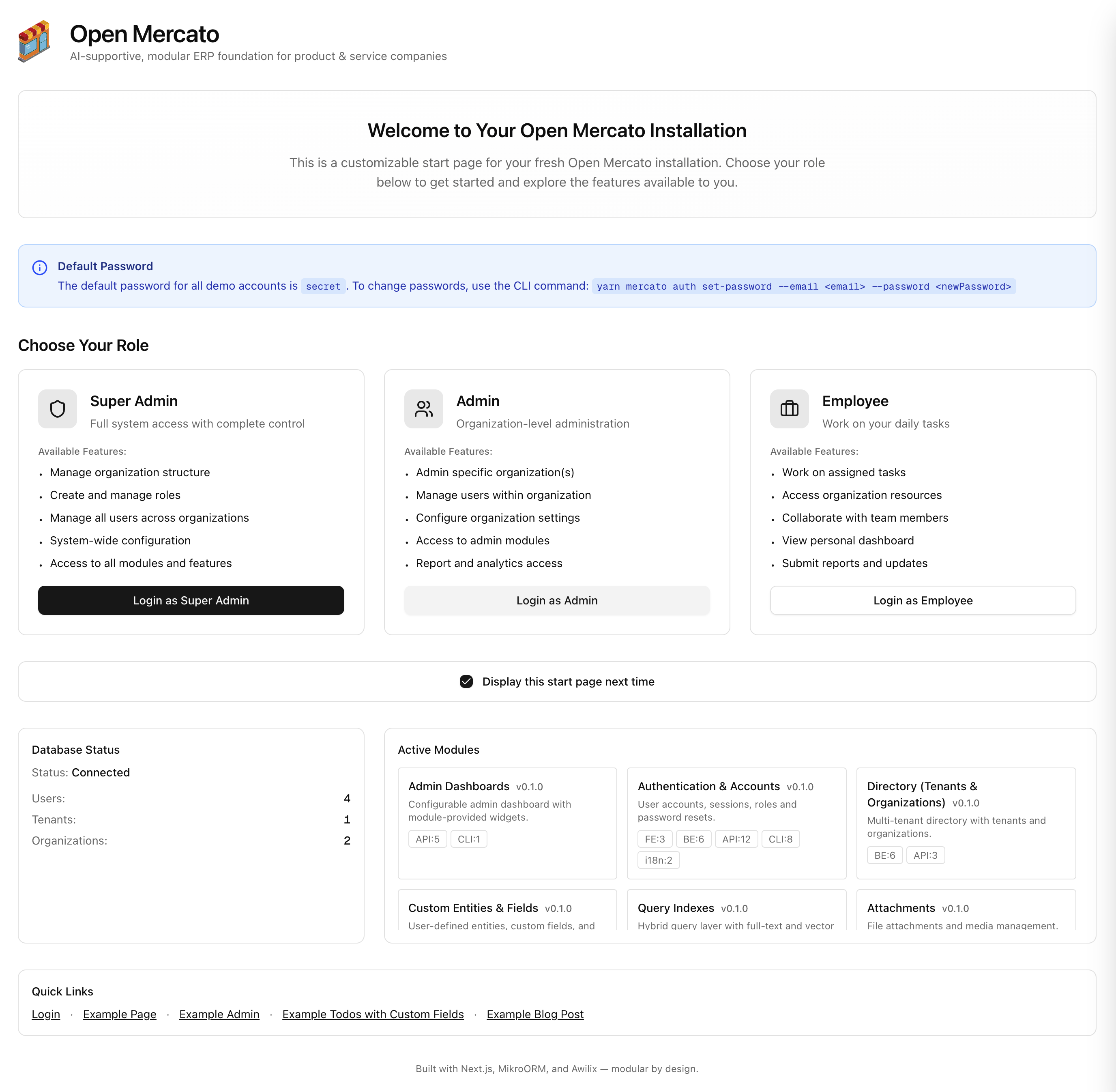
What you see on the home page
- Dashboard widgets – the default installation surfaces system health: default role availability, database status, installed modules, entity counts, and discovered routes. Update the landing experience from
src/app/(backend)/backend/page.tsx, and see the dashboard widgets guide for customization details. - Navigation sidebar – auto-generated from module metadata and filtered by the features assigned to the current user.
- Global search – jump to entities, admin pages, or docs without leaving the keyboard.
Next steps
Continue to the Login & authentication guide to understand how operators sign in, reset passwords, and switch organizations. From there you can deep dive into user management, custom entities, and role-based access control.
Looking to let visitors spin up a sandbox on their own? Review the self-service onboarding feature to see how the optional public flow works, its environment variable requirements, and why most production deployments keep it disabled.