Local setup
Follow these steps after the prerequisites are in place:
-
Clone the repository
git clone https://github.com/open-mercato/open-mercato.git
cd open-mercato -
Start Docker services
docker compose up -dThis starts PostgreSQL 15 with pgvector and Redis 7. The pgvector extension is automatically installed, enabling vector search features.
-
Install workspace dependencies
yarn install -
Bootstrap everything with one command
yarn mercato initThis script prepares module registries, generates/applies migrations, seeds default roles, provisions an admin user, and loads demo CRM data (companies, people, deals, activities, todos). Add
--no-examplesif you prefer to skip the demo content while keeping core identities,--stresstest(optionally with-n <count>) to preload thousands of synthetic contacts, companies, deals, activities, and notes, or combine--stresstest --litefor high-volume contacts without the heavier extras when you need raw throughput. -
Launch the app
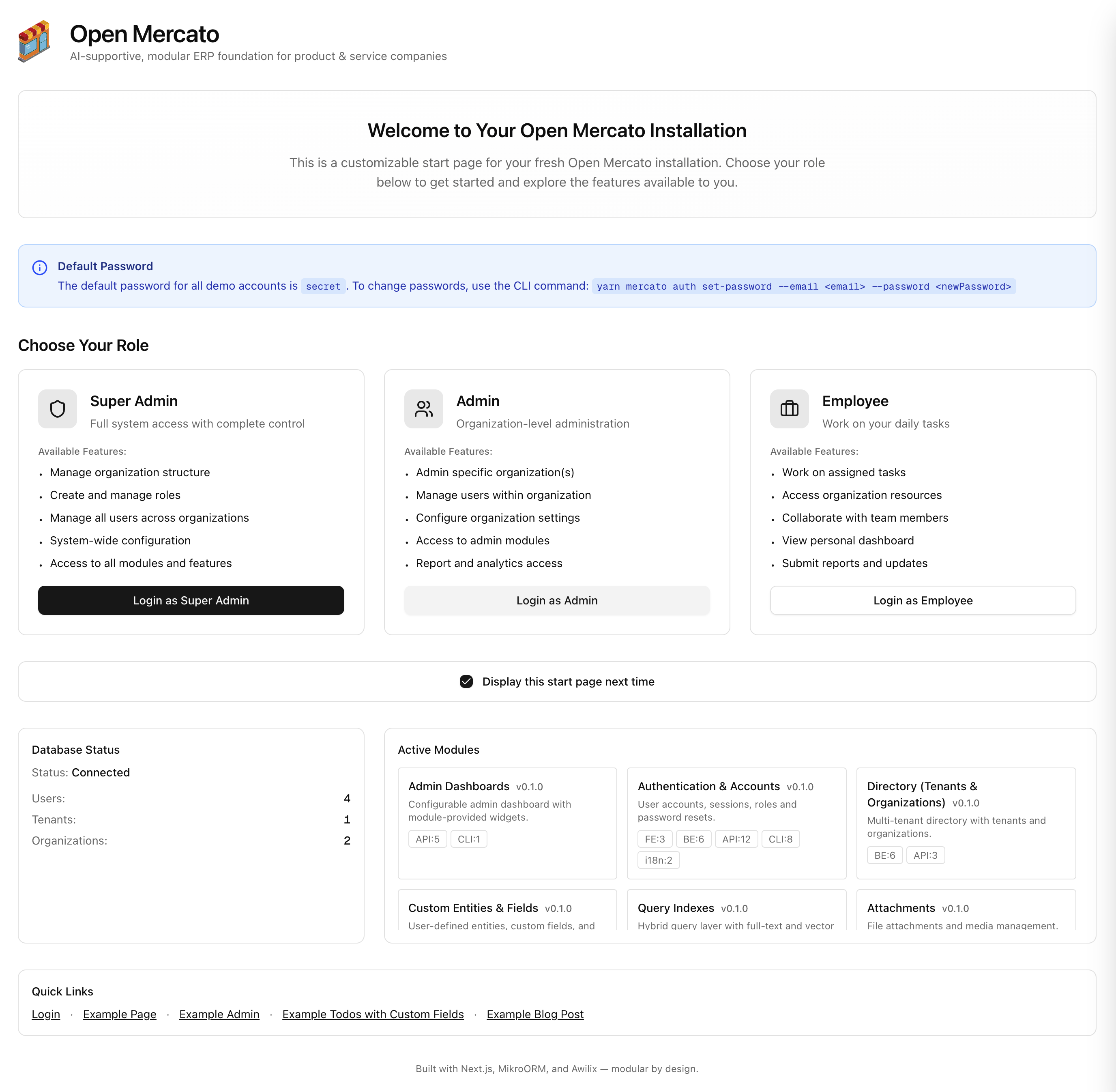
yarn devNavigate to
http://localhost:3000/backendand sign in with the credentials printed byyarn mercato init. If you plan to use the email-enabled onboarding flow, opt-in by setting the following environment variables in your.env(the toggle defaults tofalse):RESEND_API_KEY=your_resend_api_key
APP_URL=http://localhost:3000
EMAIL_FROM=no-reply@your-domain.com
SELF_SERVICE_ONBOARDING_ENABLED=true
ADMIN_EMAIL=ops@your-domain.comVector search relies on OpenAI embeddings. Add the API key to
.envto activate the command palette and Data Designer page:OPENAI_API_KEY=sk-your-keyWhen the variable is omitted the UI keeps the feature visible but displays a reminder banner instead of search results.
For a full catalogue of backend flags (including profiler, cache, and query index switches) see the System status variables reference—each entry links back to the admin System status page for quick adjustments.
💡 Need a clean slate? Run
yarn mercato init --reinstall. It wipes module migrations and drops the database, so only use it when you intentionally want to reset everything. Preferyarn mercato init --no-examplesif you just want an empty CRM without resetting the database.
Docker Management
Stop services:
docker compose down
View logs:
docker compose logs -f
Complete reset (deletes all data):
docker compose down -v
docker compose up -d
yarn mercato init
Verify pgvector installation:
docker exec mercato-postgres psql -U postgres -d open-mercato -c "SELECT extname, extversion FROM pg_extension WHERE extname = 'vector';"
For advanced/manual flows (custom migration control, selective seeding, etc.) see the CLI reference in the repository README. If you want to deploy the application together with the redis and postgresql you can run:
docker compose -f docker-compose.fullapp.yml up --build