Login & authentication
Logging in is the first touchpoint for every operator. The authentication flow respects the tenant and organization model, ensuring users only see what they are allowed to manage.
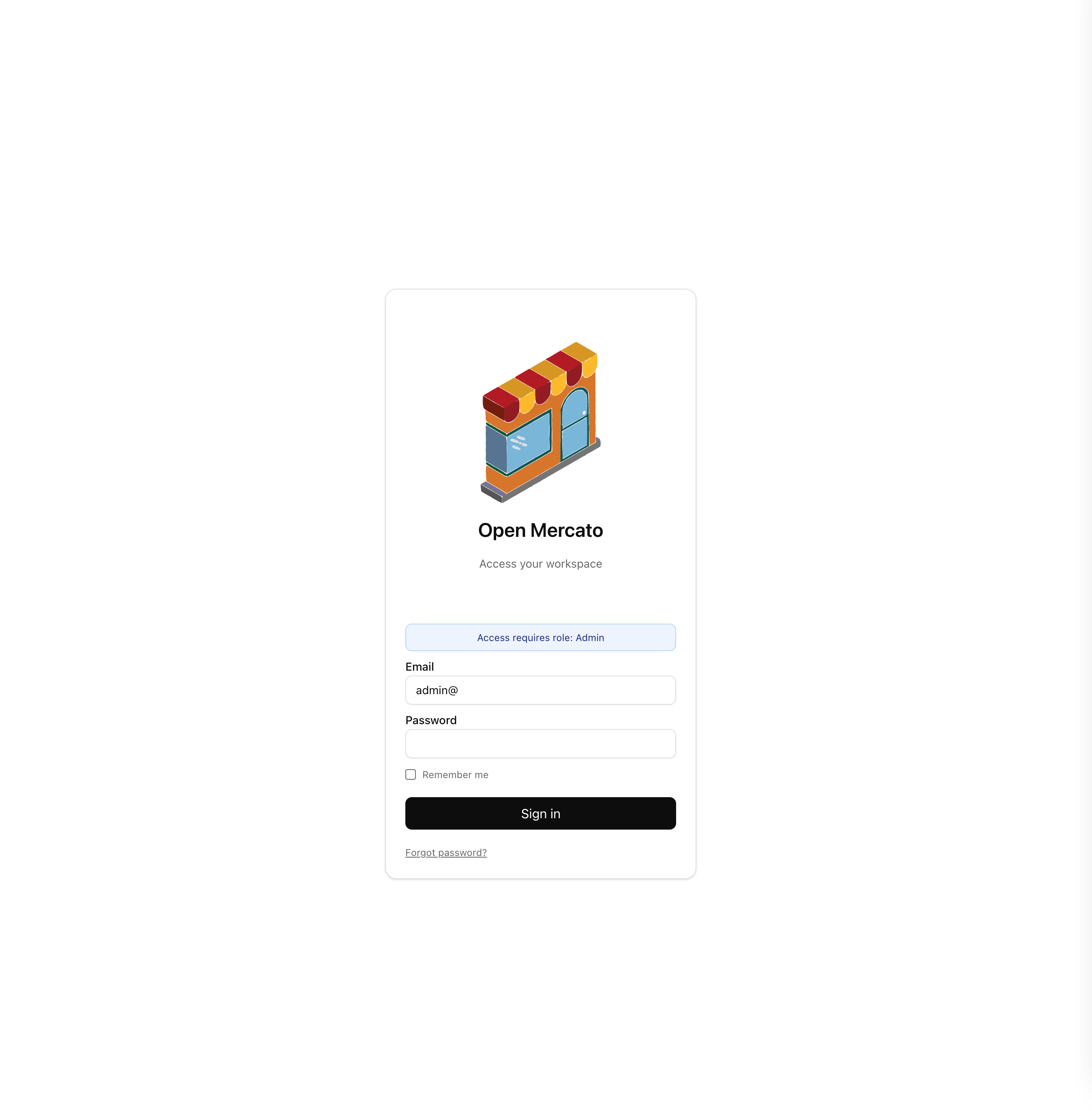
Sign-in experience
- Email & password – standard credentials validated against the tenant's directory. Password policies can be enforced per organization via configuration.
- Organization context – after signing in, users see the organizations they are allowed to operate. Selecting one sets both organization and tenant scopes for the session.
- Remember me – sessions persist according to the environment configuration (JWT expiration + refresh tokens).
Landing on the dashboard
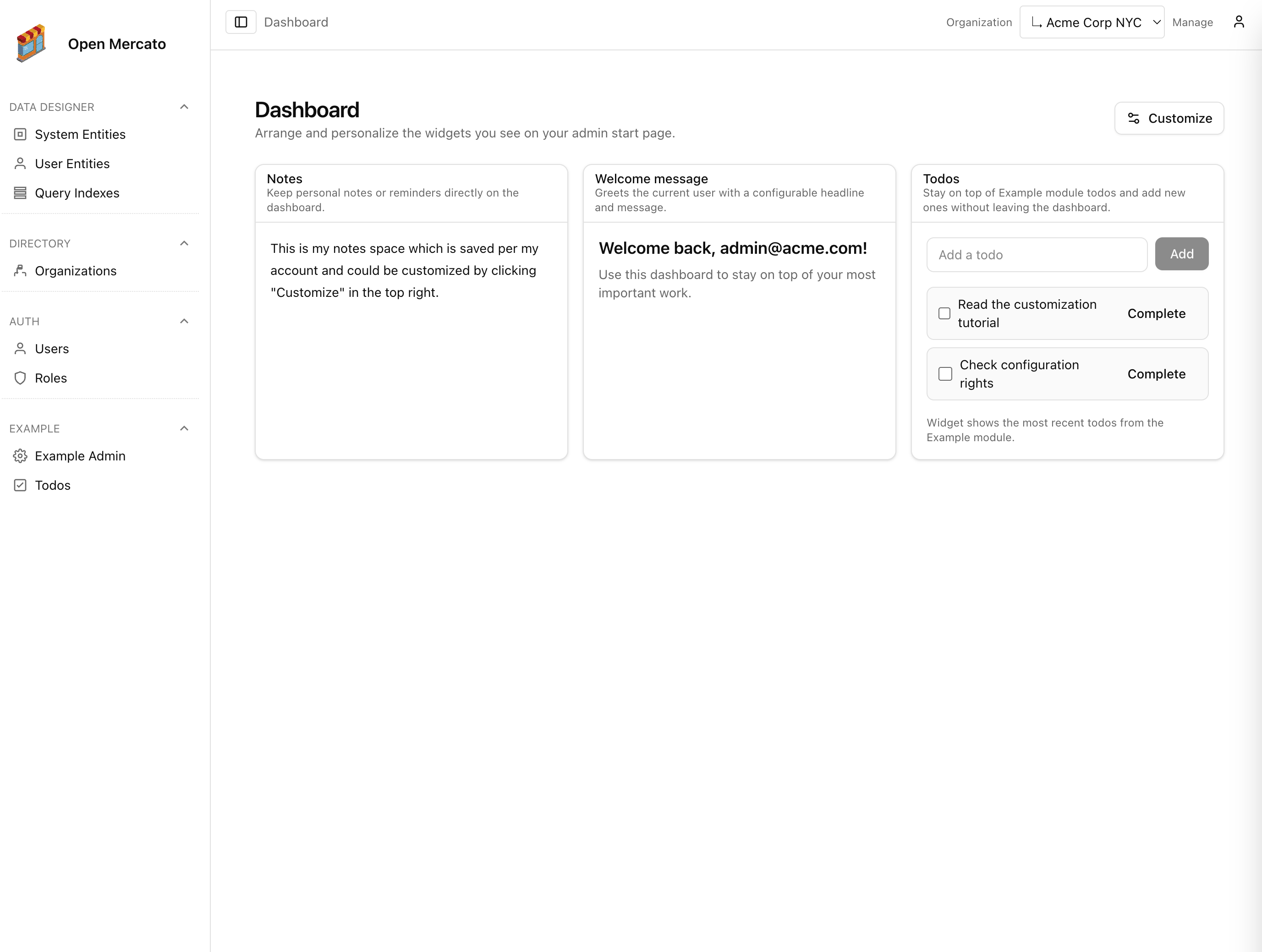
- Modular widgets – the dashboard tiles surface health checks, user onboarding status, recent activity, and any module-provided cards that were enabled for the tenant.
- Role defaults – configure which system health widgets appear after login from the Users & roles management pages; each role can opt into the tiles that matter most.
- Per-user overrides – individual preferences live in the same management screens, letting you fine-tune the widget set for specific team members when roles are not enough.
Resetting access
- Administrators can trigger password resets via the Users module.
- Users can request a reset link if you enable the optional password recovery module (see
packages/core/src/modules/auth).
Next steps
- User guide overview – go back to the dashboard tour.
- Managing users & roles – learn how admins create accounts, assign permissions, and tailor dashboard widgets.
- Organizations & visibility – extend modules with organization-aware experiences.